
Select one card. Price and capacity update in the reservation cart.
Start your reservation
Reserve your Punta Cana ride with the right vehicle, extras and payment option.
Add your trip details, choose the vehicle, select only the extras you want and continue with PayPal or a direct reservation request.
Step 1
Trip details
Add pickup, destination, date, time and number of guests.
If your hotel, villa or Airbnb is not listed, choose Other and write the exact name.
- 1 Trip details
- 2 Vehicle
- 3 Extras
- 4 Contact
- 5 Confirm and pay
Pickup
Not selected yet
Drop off
Not selected yet
Date & time
Date and time not added
Passengers
2 guests
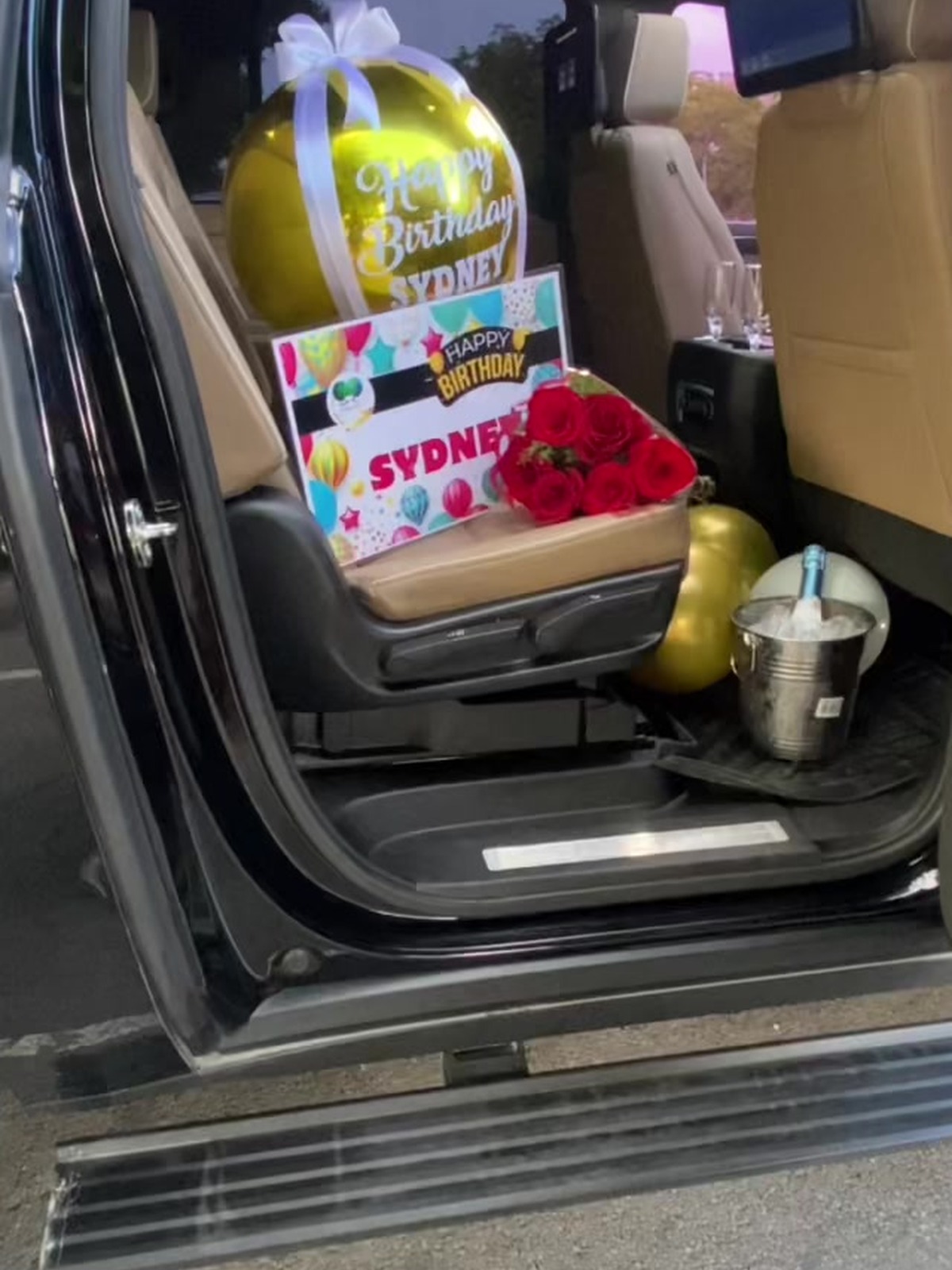
Selected service
Decorated arrival service
Premium airport pickup with decoration already tied to the published transport lane.
- Price
- $0
- Vehicle
- -
- Good for
- -
Select one card. Price and capacity update in the reservation cart.
Selected route and price
Route will appear here
Change only if the trip type is different.
Select only the add-ons you want. Quantities update the total immediately.
Need excursions, packages or planning instead?
Choose this only for excursions, packages or planning calls.
Step 5
Confirm and pay.
Check the service, cancellation rule and contact details, then choose PayPal or send the request.
0 of 3 booking confirmations complete
Pay online PayPal checkout is ready for this booking. Choose deposit or full payment after the route, vehicle and contact details are complete.
 PayPal online
Cash on arrival by agreement
PayPal online
Cash on arrival by agreement
- Payment method
- -
- Payment choice
- -
- Booking protection
- -
- Before payment
- -